Description
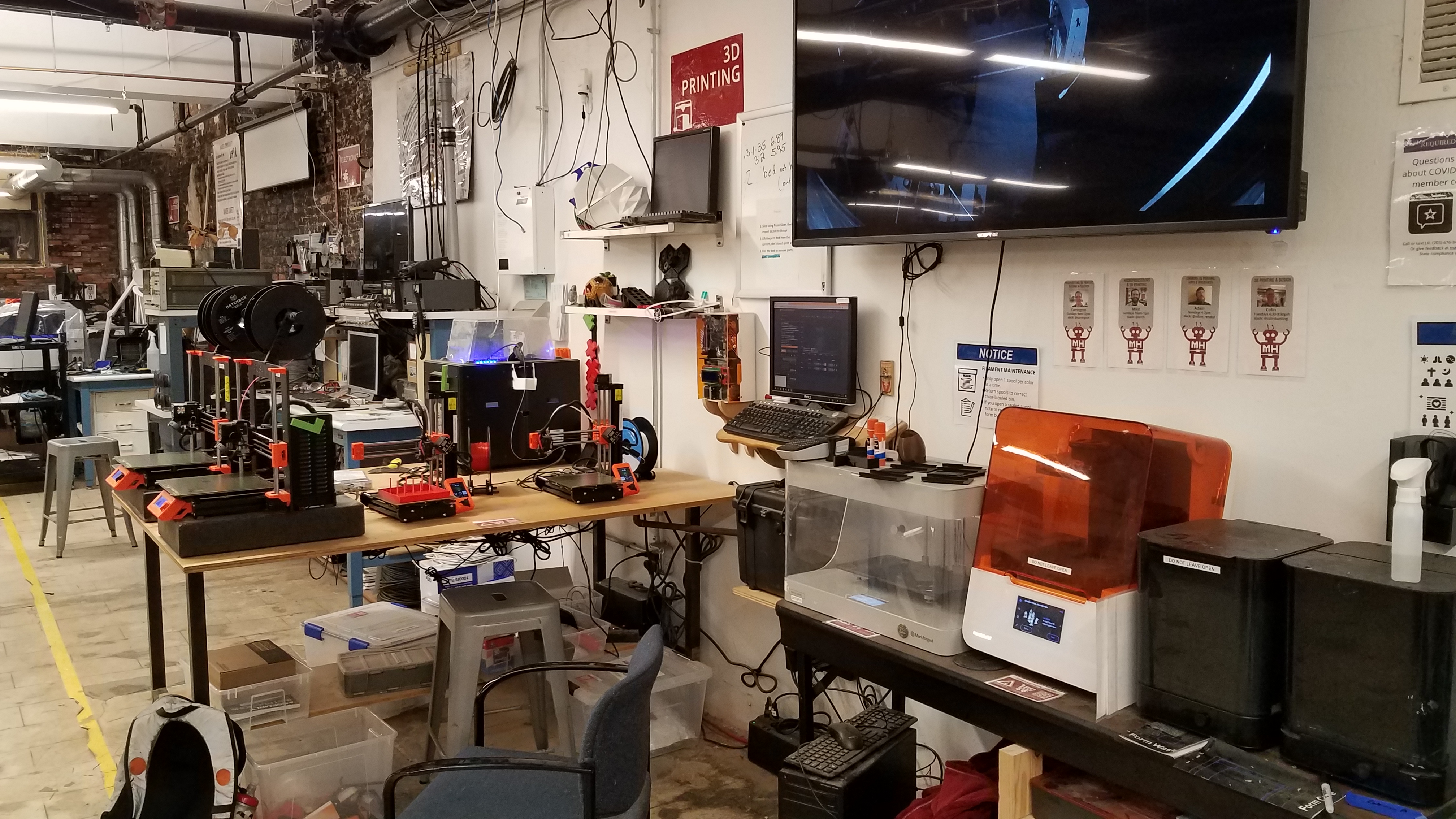
Computer station for 3d printing, running CNC and 3d scanning.
Use this link to see a livestream of the printers: https://www.youtube.com/makehavenorg/live
Talk to a facilitator
Facilitators run badge checkouts and are also glad to help with project-specific advice, a refresher, or planning a build.
4 facilitators, 8 upcoming times in the next two weeks · Next: Sun Oct 18, 10:00am
Optional badgesOptional
Not required to use this tool. Earn it to show you have learned the skill.
Instructions for Use
There are several key pieces of software installed on this compter or bookmarked in the browser.
Flat Design
- Inkscape - Vector design and editing
- Gimp - Bitmap / Raster editing
3d Design
- Blender - Editing complex 3d models
- meshmixer- 3D mashups and remixes.
- 123d Make - 123D Make lets you turn 3D models into 2D build plans with animated assembly instructions.
- Tinkercad.com - Simple web based CAD tool.
- 123D Design - a free, powerful, yet simple 3D creation and editing tool which supports many new 3D printers.
- thingiverse.com- Directory of models to download
- Meshlab - repair your broken 3d models
CNC
- easel.com/ for Simple 3d (Arduino is COM03)
- PYCam - Complex Code
- OpenScam - Preview your Gcode
- Universal G Code Sender
3d VIewing
- Oculus Rift - Various demos
3d Printing
- MakerWare Desktop - 3d slicer for preparing your model for print
3d Scaning
- 123d Catch - Users many images of object to construct a model
- Skanect - apturing a full color 3D model of an object, a person or a room wiht Kinect