Status: Gone
Status: Gone
Reason not yet recorded — check history or ask staff.
Report Issue

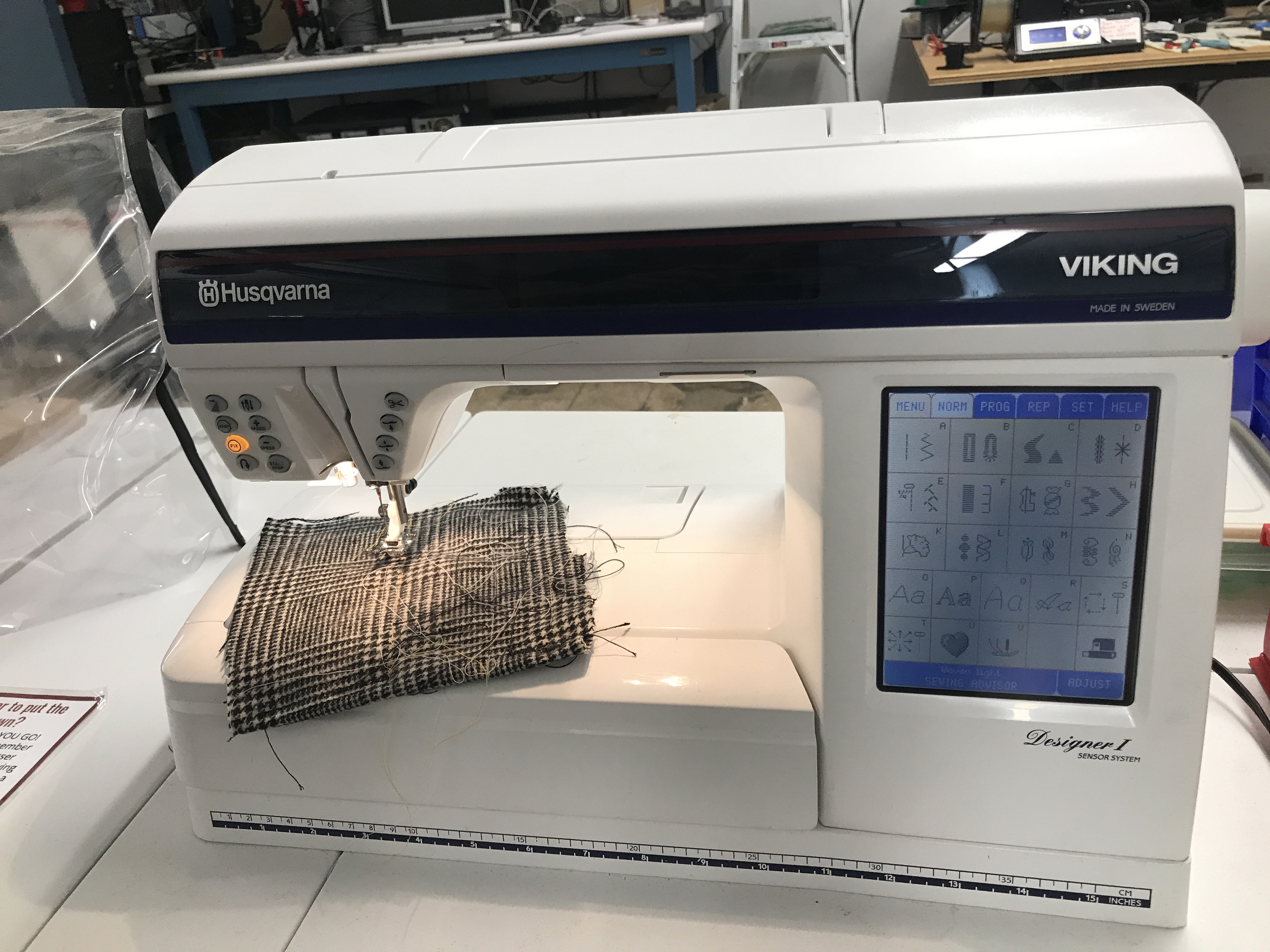
Viking Husqvarna Sewing Machine

Description
The Viking Husqvarna Sewing Machine is a versatile and user-friendly sewing tool used in makerspaces for various textile projects. Members utilize it for tasks such as quilting, garment making, and crafting, benefiting from its advanced features and precision capabilities to bring their creative ideas to life.
Requirements for Use
Required Badge

Sewing Machine

Badge Checkout Requirement
In person checkout required
Log in to see status
Log in to check eligibility

Sewing Machine

Jump to

Need the checklist, documentation or quiz? Open the full badge page.

Talk to a facilitator

Facilitators run badge checkouts and are also glad to help with project-specific advice, a refresher, or planning a build.

8 facilitators, 14 upcoming times in the next two weeks · Next: Sun Sep 20, 12:00pm

See facilitator schedule

Facilitator schedule · Viking Husqvarna Sewing Machine

Facilitators run badge checkouts and are also glad to help with project-specific advice, a refresher, or planning a build.

Day Morning (before 12 PM) Afternoon (12 - 5 PM) Evening (after 5 PM)
Sunday
September 20, 2026
 
Facilitator badge checkout
Sign in to schedule 12:00pm
With Denise McGillicuddy
Facilitator badge checkout
Sign in to schedule 3:00pm
With Lucas Harrison
 
Monday
September 21, 2026
Facilitator badge checkout
Sign in to schedule 11:30am
With Meredith Clark
 
Facilitator badge checkout
Sign in to schedule 5:30pm
With Aven Greene
Facilitator badge checkout
Sign in to schedule 6:00pm
With Rose Simpson
Wednesday
September 23, 2026
Facilitator badge checkout
Sign in to schedule 10:00am
With Clara Biesel
 
Facilitator badge checkout
Sign in to schedule 5:30pm
With Kajini Sandrakumar
Sunday
September 27, 2026
 
Facilitator badge checkout
Sign in to schedule 3:00pm
With Lucas Harrison
 
Monday
September 28, 2026
Facilitator badge checkout
Sign in to schedule 11:30am
With Meredith Clark
 
Facilitator badge checkout
Sign in to schedule 5:30pm
With Aven Greene
Facilitator badge checkout
Sign in to schedule 6:00pm
With Rose Simpson
Tuesday
September 29, 2026
 
Facilitator badge checkout
Sign in to schedule 4:30pm
With Nate Blair
 
Wednesday
September 30, 2026
Facilitator badge checkout
Sign in to schedule 10:00am
With Clara Biesel
 
Facilitator badge checkout
Sign in to schedule 5:30pm
With Kajini Sandrakumar

Every facilitator, every tool: the full facilitator schedule.

Instructions for Use


To recalibrate screen:

When you just can't get to the menus at all:

Turn the machine off.

Then hold down the "Reverse" and "Pivot" buttons and power it back on.

You now have the setup screen.

Touch the "Needle Down" button and you will see the crosses.Use a small blunt object like the metal end of the buttonhole foot (the stylus thatcame with the machine would be better ) and

touch the centre of the crosses and each will turn green. Then click on

"save".