Status: Gone
Status: Gone
Reason not yet recorded — check history or ask staff.
Report Issue

3d Printer

Description

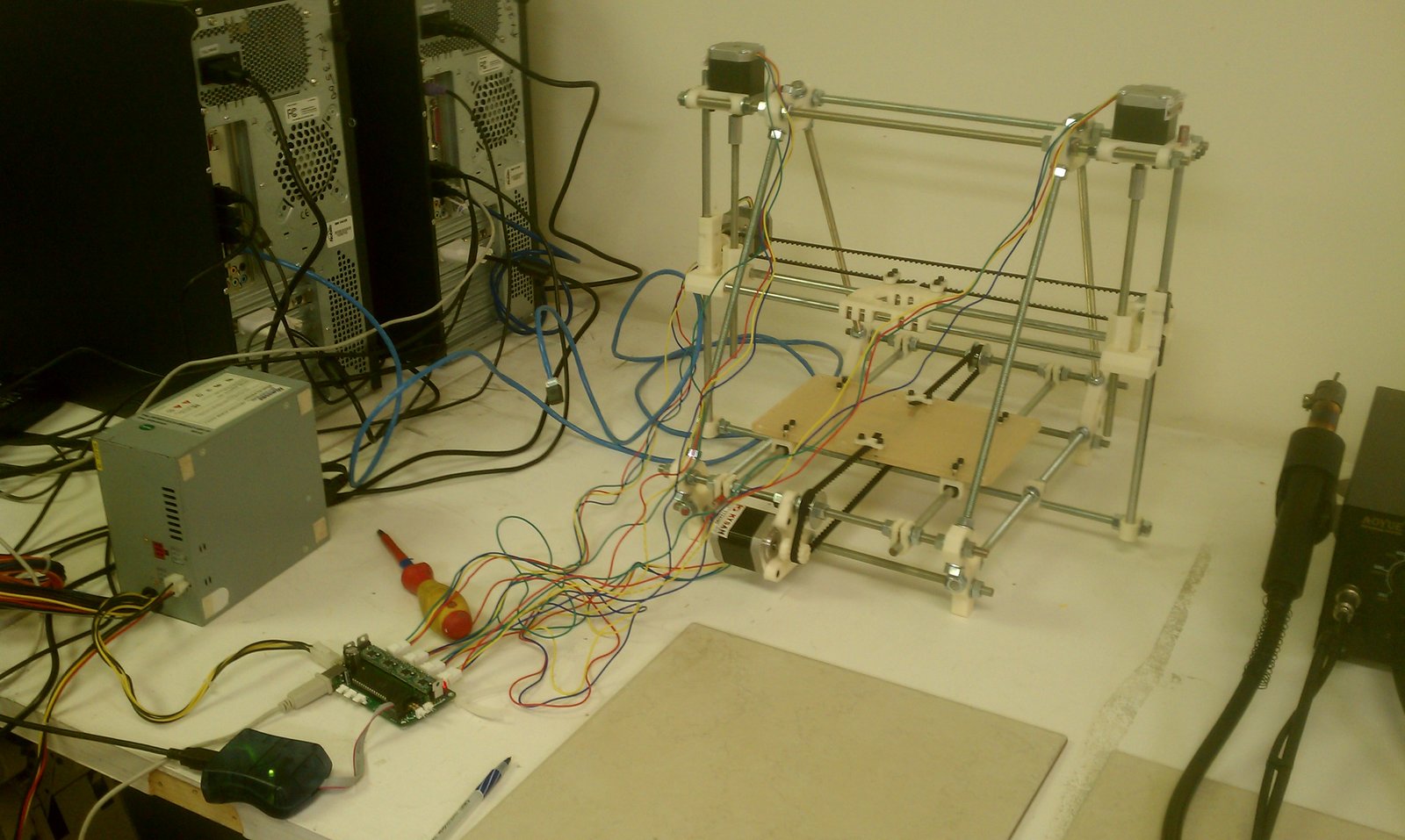
Prints plastic to make 3d parts. Its almost working but not quite ready for prime time.

Requirements for Use
Required Badge

Prusa 3D Printers

Badge Checkout Requirement
In person checkout required
Log in to see status
Log in to check eligibility

Prusa 3D Printers

Jump to

Need the checklist, documentation or quiz? Open the full badge page.

Talk to a facilitator

Facilitators run badge checkouts and are also glad to help with project-specific advice, a refresher, or planning a build.

4 facilitators, 7 upcoming times in the next two weeks · Next: Wed Sep 23, 6:00pm

See facilitator schedule

Facilitator schedule · 3d Printer

Facilitators run badge checkouts and are also glad to help with project-specific advice, a refresher, or planning a build.

Day Morning (before 12 PM) Afternoon (12 - 5 PM) Evening (after 5 PM)
Wednesday
September 23, 2026
   
Facilitator badge checkout
Sign in to schedule 6:00pm
With Sean Bender
Sunday
September 27, 2026
Facilitator badge checkout
Sign in to schedule 10:00am
With Nathan Rawling
Facilitator badge checkout
Sign in to schedule 3:00pm
With Lucas Harrison
 
Monday
September 28, 2026
   
Facilitator badge checkout
Sign in to schedule 8:00pm
With Darcy Canales
Wednesday
September 30, 2026
   
Facilitator badge checkout
Sign in to schedule 6:00pm
With Sean Bender
Sunday
October 4, 2026
 
Facilitator badge checkout
Sign in to schedule 3:00pm
With Lucas Harrison
 
Monday
October 5, 2026
   
Facilitator badge checkout
Sign in to schedule 8:00pm
With Darcy Canales

Every facilitator, every tool: the full facilitator schedule.

Instructions for Use

This is just a template the real instructions will be added when we get it working.

1 . You must have a model on the computer in X format

2. Size your model

3. User Y program to setup tool path

  • tool path setup tips

  • more tips

4. Prepare the printer with material. 

5. Print

6 Cleanup