Status: Operational
Status: Operational
Report Issue

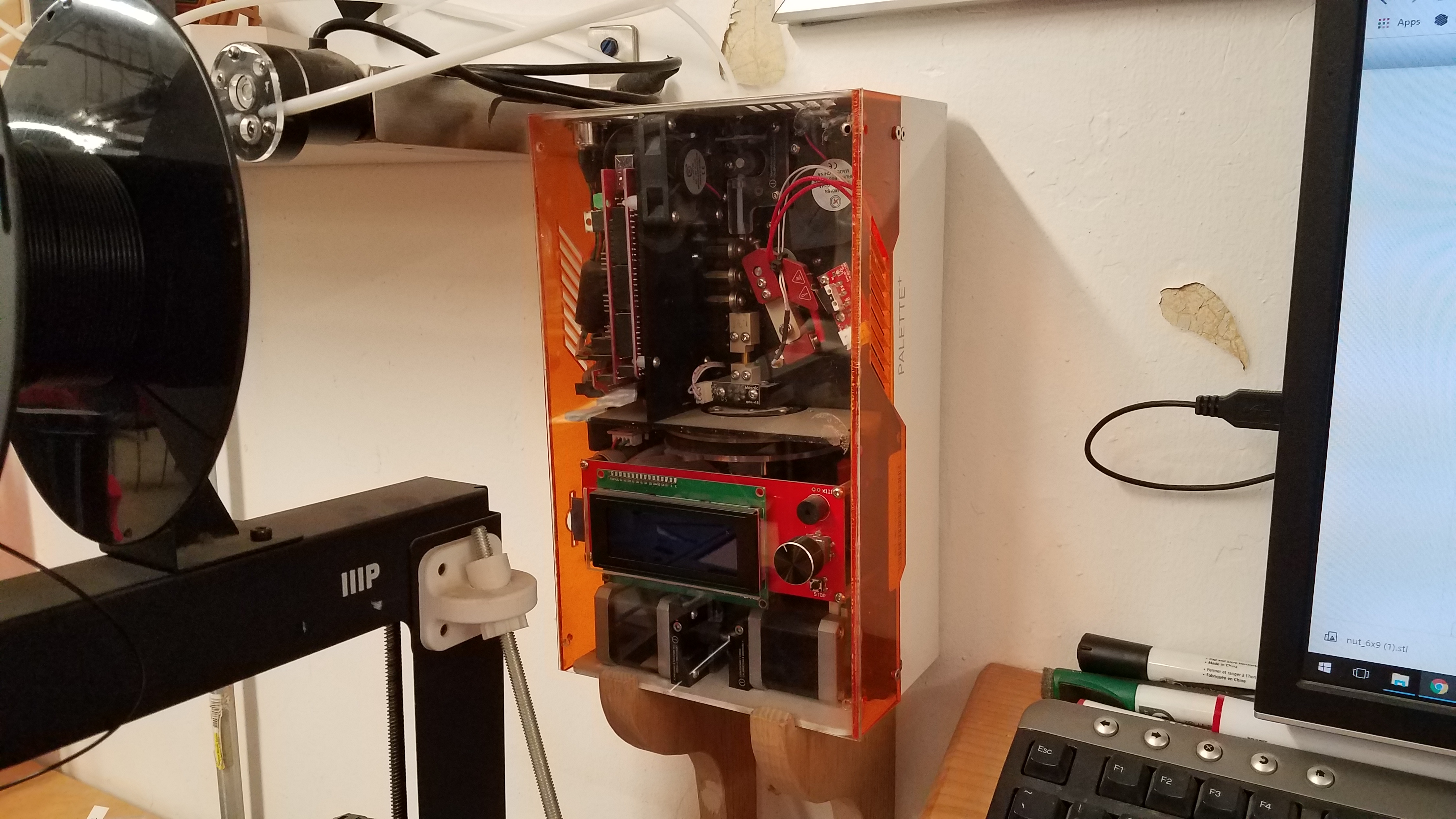
Palette+ 3d Printer Filament Splicer

Associated Slack Channel
Description

This tool can splice filament to make multicolored prints.

Step 1: Slice your multi-color model with Simplify3D or Cura

Step 2: Process your .gcode output with Chroma (https://support.mosaicmfg.com/Guide/Chroma+V3.2.2/58)

Step 3: Print with Palette+!

Requirements for Use
Required badgeRequired

You need this badge before using this tool.

Prusa 3D Printers

Badge Checkout Requirement
In person checkout required
Log in to see status
Log in to check eligibility

Prusa 3D Printers

Jump to

Need the checklist, documentation or quiz? Open the full badge page.

Talk to a facilitator

Facilitators run badge checkouts and are also glad to help with project-specific advice, a refresher, or planning a build.

3 facilitators, 6 upcoming times in the next two weeks · Next: Sun Oct 25, 3:00pm

See facilitator schedule

Facilitator schedule · Palette+ 3d Printer Filament Splicer

Facilitators run badge checkouts and are also glad to help with project-specific advice, a refresher, or planning a build.

Day Afternoon (12 - 5 PM) Evening (after 5 PM)
Sunday
October 25, 2026
Facilitator badge checkout
Sign in to schedule 3:00pm
With Lucas Harrison
 
Monday
October 26, 2026
 
Facilitator badge checkout
Sign in to schedule 8:00pm
With Darcy Canales
Wednesday
October 28, 2026
 
Facilitator badge checkout
Sign in to schedule 6:00pm
With Sean Bender
Sunday
November 1, 2026
Facilitator badge checkout
Sign in to schedule 3:00pm
With Lucas Harrison
 
Monday
November 2, 2026
 
Facilitator badge checkout
Sign in to schedule 8:00pm
With Darcy Canales
Wednesday
November 4, 2026
 
Facilitator badge checkout
Sign in to schedule 6:00pm
With Sean Bender

Every facilitator, every tool: the full facilitator schedule.

Optional badgesOptional

Not required to use this tool. Earn it to show you have learned the skill.